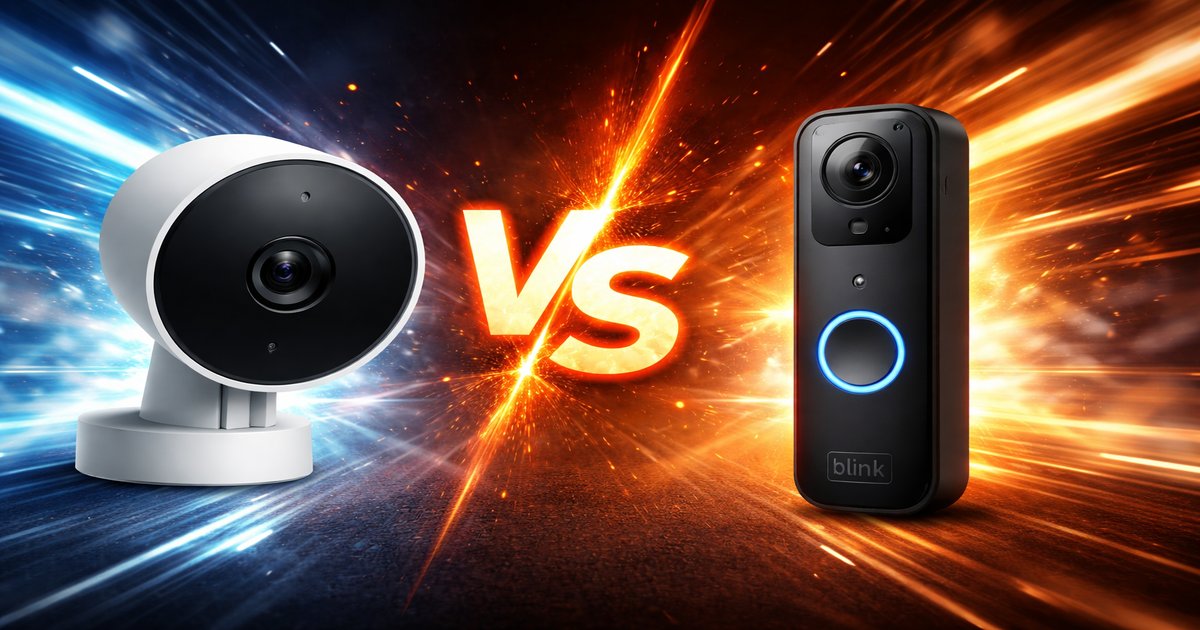
Nest vs Blink Doorbell: Which One Is Actually Worth It?
You’ve finally decided to upgrade your home security with a smart doorbell, but the options seem endless. Nest and Blink are two heavyweights in the smart doorbell arena, each promising to keep your home safe while making your life a bit easier. Let’s break down these two contenders to help you figure out which is best for your needs.
| Feature | Nest Doorbell | Blink Doorbell |
|---|---|---|
| Video Resolution | 960 x 1280 | 1080p |
| Field of View | 145° | 135° |
| Power Source | Battery/Wired | Battery |
| Subscription Required for Full Features | ✓ | ✗ |
| Integration with Smart Home Devices | Google Home | Alexa |
| Night Vision | ✓ | ✓ |
✅ nest Pros
- Excellent integration with Google ecosystem.
- Dual power options offer flexibility.
- High-quality build with reliable performance.
❌ nest Cons
- Requires subscription for full feature set.
- Higher price point compared to competitors.
- Limited compatibility with non-Google smart home systems.
✅ blink doorbell Pros
- No subscription needed for basic features.
- Affordable price tag.
- Seamless integration with Alexa devices.
❌ blink doorbell Cons
- Video quality slightly lower than some competitors.
- Limited to battery power only.
- Smaller field of view compared to Nest.
Performance and Video Quality
When it comes to video quality, Blink edges ahead with a 1080p resolution, providing crisper video than Nest’s 960 x 1280. This might not matter much for general use, but if you need to identify faces or details from far away, Blink will serve you better. However, Nest offers a slightly wider field of view at 145°, which means you can see more of what’s happening at your doorstep. Both offer night vision, so you’ll be covered after dark, but Blink’s resolution gives it a slight edge in clarity.
Smart Home Integration
Your choice may heavily depend on your existing smart home setup. Nest is a no-brainer if you’re already invested in Google Home, as it offers seamless integration. It can trigger routines and interact with other Google devices. On the flip side, Blink is a better choice for homes already running on Alexa, offering smooth communication with Amazon’s ecosystem. If you’re not tied to either, consider which ecosystem you might expand into in the future, as both limit cross-compatibility.
Value for Money
Blink wins in the affordability department. It doesn’t require a subscription for basic functionalities, which is a significant plus if you’re budget-conscious. Nest, however, demands a subscription to unlock its full potential, adding to the overall cost. While Nest’s build quality and dual power options justify its higher price, Blink delivers solid value with no hidden costs, making it ideal for those who want to keep expenses low without sacrificing essential features.
Nest’s subscription model isn’t just a cash grab; it genuinely enhances the device’s functionality, but if you’re not planning to subscribe, you’ll miss out on some key features. Blink’s battery power is convenient, but if you don’t keep an eye on it, you might find yourself without doorbell functionality at an inconvenient time.
Our Final Verdict: Which One Should You Buy?
If you’re a Google Home enthusiast willing to pay for a premium experience, Nest is your best bet. It’s perfect for someone who values top-notch integration and doesn’t mind the extra cost for enhanced features. For the budget-conscious or those already living in an Alexa world, Blink provides a quality experience that won’t break the bank, with no ongoing costs to worry about. Choose accordingly based on your ecosystem allegiance and financial comfort zone.
Do these doorbells work with existing chimes?
Nest can work with your existing chime when wired, but Blink operates independently and does not connect to existing chimes.
How often do I need to charge the Blink doorbell?
The Blink doorbell’s battery life can last up to two years with normal use, but heavy usage will require more frequent charging.
Will I miss features on Nest without a subscription?
Yes, without a Nest subscription, you lose access to video history and some intelligent alerts, significantly reducing its utility.
